OSM Development Board
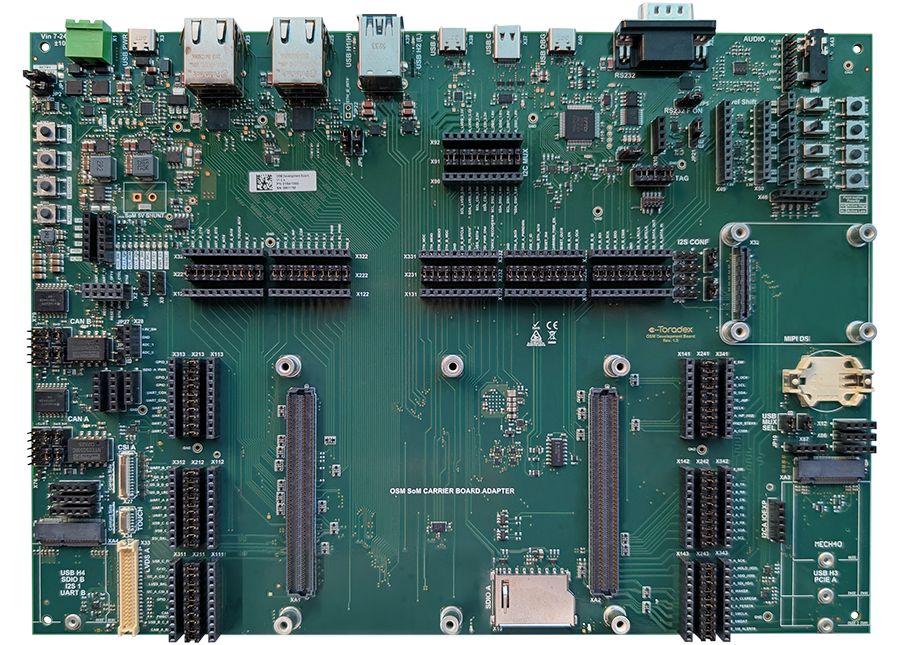
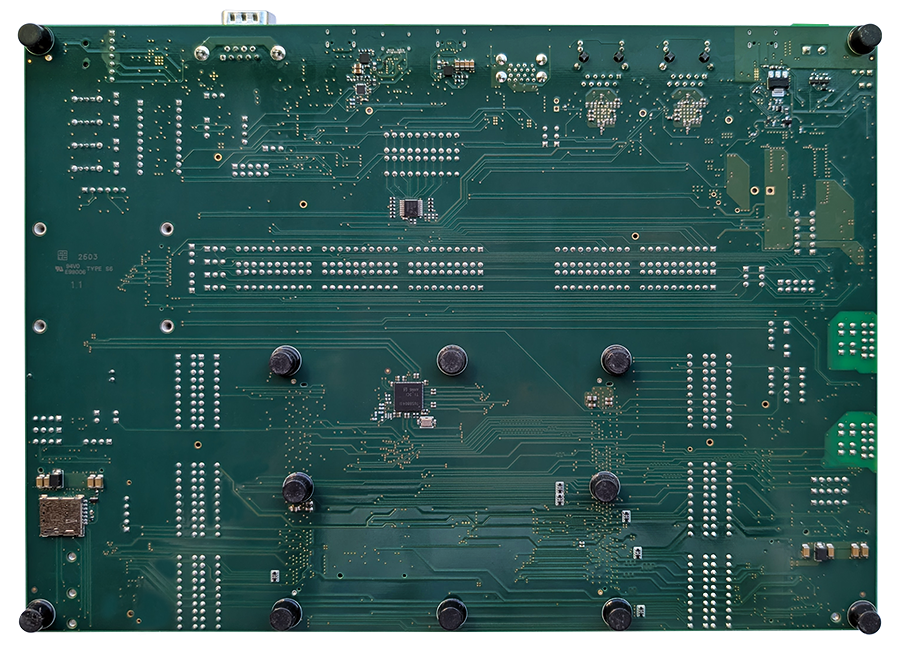
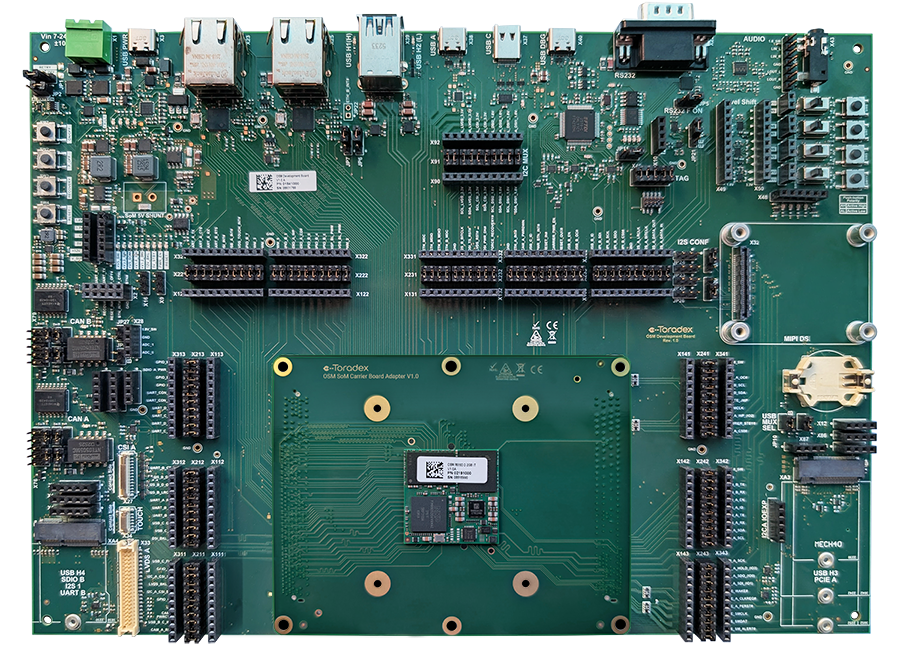
The OSM Development Board is a full-featured carrier board that gives you easy access to most of the interfaces of the OSM System on Modules (SoMs), intended as a development/evaluation platform.
This page provides hardware design resources, documentation, revision history, erratas, compatibility details, and getting started guides for developers working with the OSM SoM family.
Getting Started
Recommendation for the first-time order
Toradex recommends ordering the following additional products for your first-time order:
All products are available for online purchase through the Toradex Webshop.
Quickstart Guide
Check out our guide for detailed instructions on how to get your board up and running with Torizon and how it enables a faster time-to-market.
Having trouble?
Please contact our technical support. Various options of technical support are mentioned below:
Product Features
Hardware Features
Coming soon
Compatible Products
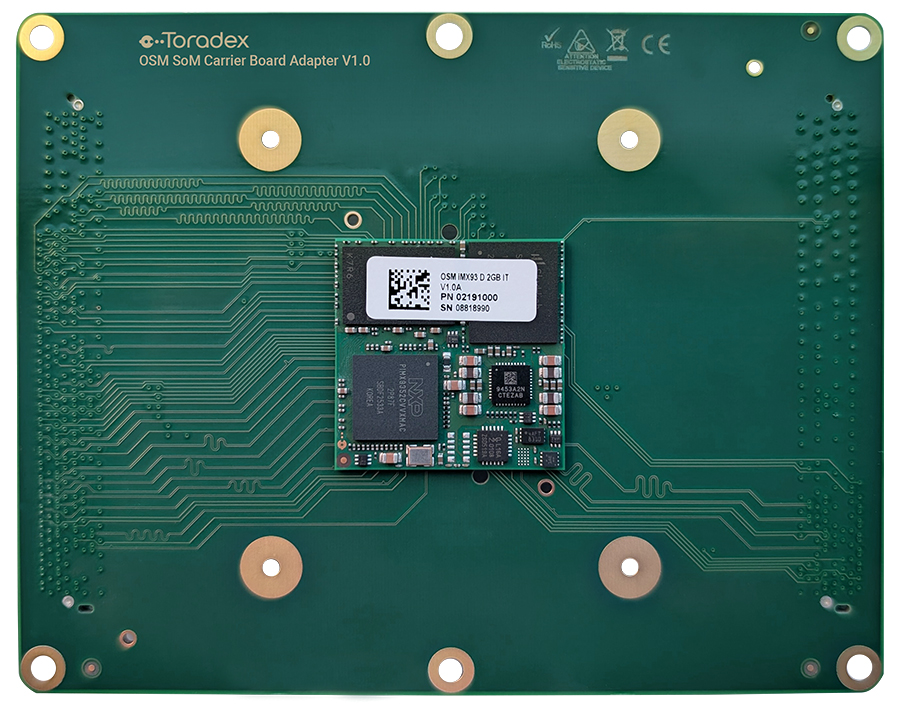
- OSM Evaluation Modules - The OSM Development Board is compatible with Toradex OSM Evaluation Modules
- Accessories & Add-ons
Block Diagram
OSM Development Board V1.0
Product Documents
Datasheets
OSM Development Board V1.0
Design Resources
OSM Development Board Design Data V1.0
- OSM Development Board Altium Project (Altium Designer Release 10)
- OSM Development Board PDF Schematics
- OSM Development Board Assembly Drawing
- OSM Development Board Bill of Materials (BOM)
OSM Development Board V1.0 Mechanical Models
A basic 3D model for the OSM Development Board V1.0A can be downloaded here:
- SolidWorks CAD model 3D EASM model
- You can download the free eDrawings model viewer from SolidWorks here
- 3D STEP model that can be opened and modified in any 3D CAD
- 3D PDF model that can be opened in Adobe Reader
Design and Layout Guide
Coming soon
Software Ecosystem
Toradex-Supported Linux Platforms
The following Linux-based offerings are in-house supported - pre-built images available for quick evaluation:
-
Torizon OS - open source, easy to use industrial Linux operating system
-
Yocto Project Reference Images - reference images for Yocto Project, a great starting point for customized Linux images
Industry and Partner Software Ecosystem
For detailed instructions about software development, including other operating systems for Toradex Computer on Modules - QNX, Android and more - check out our software ecosystem page:
Development Resources
Installing the Operating System
Toradex products come with Toradex Easy Installer pre-installed. Once you power-on the board, it will display a list of available images to be installed. Check out how to get started with the Toradex Easy Installer:
You might need to enter recovery mode:
You can also install the compatible pre-built images available for download:
Connecting to the Board
During development, you will need to communicate the board with your host machine:
Revision History
Click to See the Product Numbering Scheme
Product Number (PID8) Format
The format of the 8-digits Product Number (PID8) is the following:
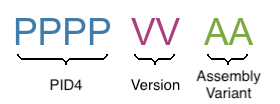
The below table describes the structure of the Product Number (PID8):
| Field | Description |
|---|---|
| PPPP | 4-digits number, indicating the Product Configuration (PID4) that describes the key properties of the product (e.g. Product Group, RAM capacity, etc.) |
| VV | 2-digits number, indicating the Major and Minor Version (in that order) |
| AA | 2-digits number, indicating the Assembly Variant |
See the complete list of available combinations on the Revision History table of the corresponding product page.
Example
Product number (PID8): 00291100:
0029: Apalis iMX6D 512MB
11: Major Version 1, Minor Version 1, Version V1.1 in short
00: Assembly Variant A
A specific product revision has a lifecycle defined by the product state. Learn more about it on the Product Change Notifications.
0184 OSM Development Board
| Product # | Product Description | Changes from Previous Version | Release Date | Related Documents |
0184100 | OSM Development Board V1.0A | Initial Release | Q1 2026 | Initial release, no PCN document |
Errata/Known Issues
Errata Document
Coming soon
Hardware Issue Tracker
Coming soon